Practice with Joy Enrollment - Google
Last updated: August 19, 2025
This guide will walk you through the steps to connect your Google account to Practice with Joy so that you can use it to access any Joy applictaions.
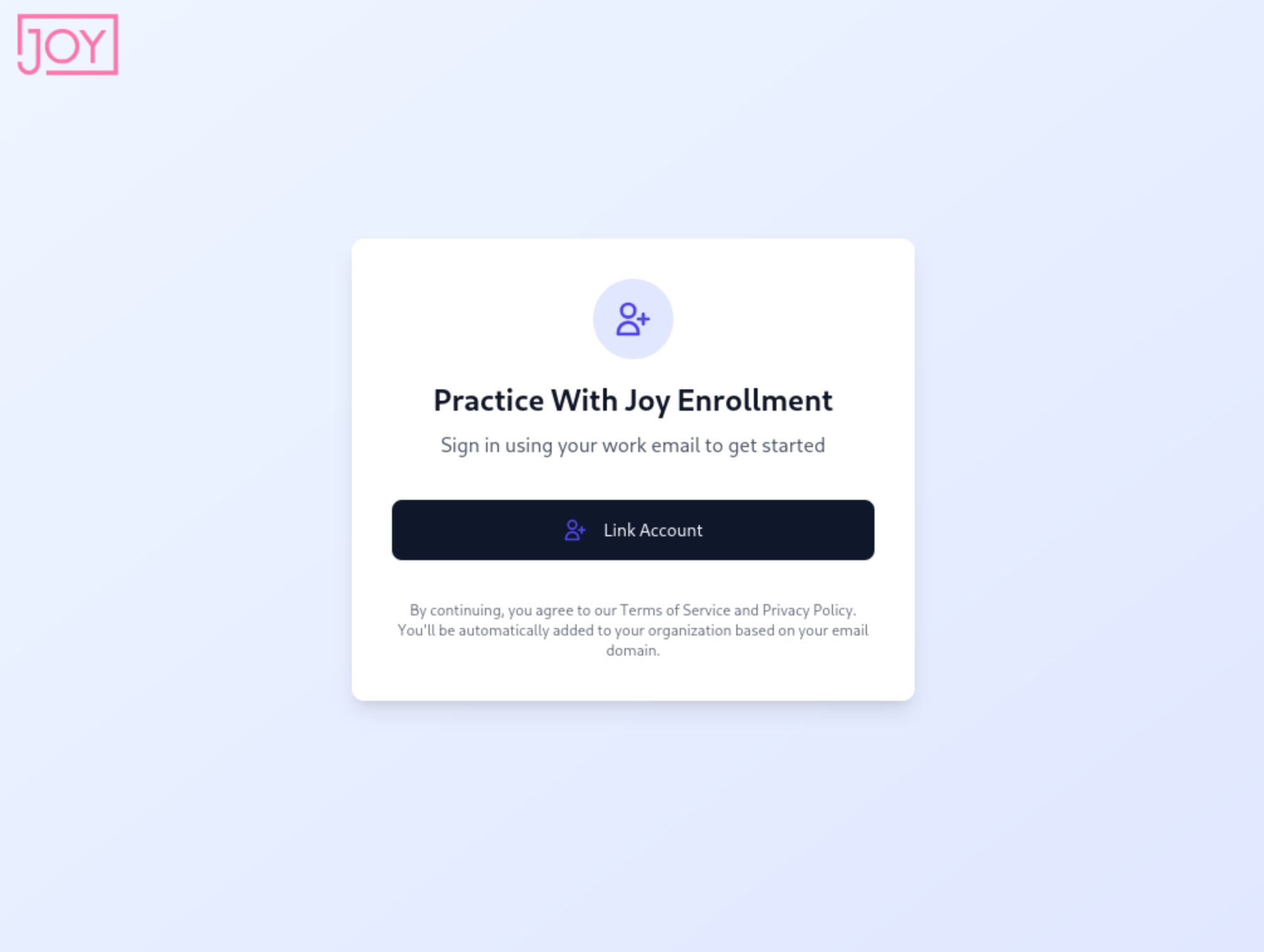
Visit the Practice with Joy Enrollment site - https://enrollment.practicewithjoy.ai and click "Link Account"
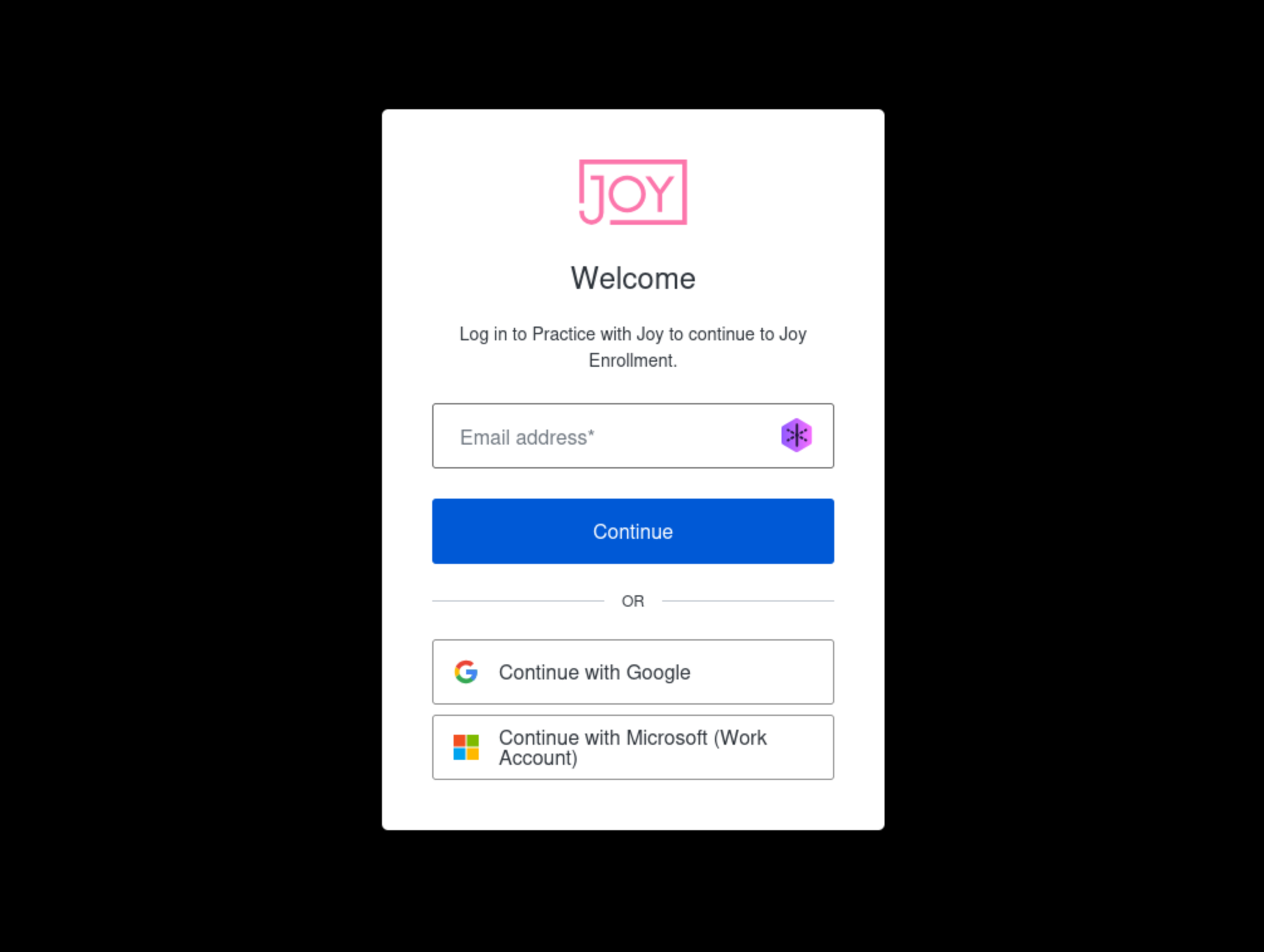
You will be presented with the Joy single sign-on (SSO) login prompt. Choose "Continue with Google"
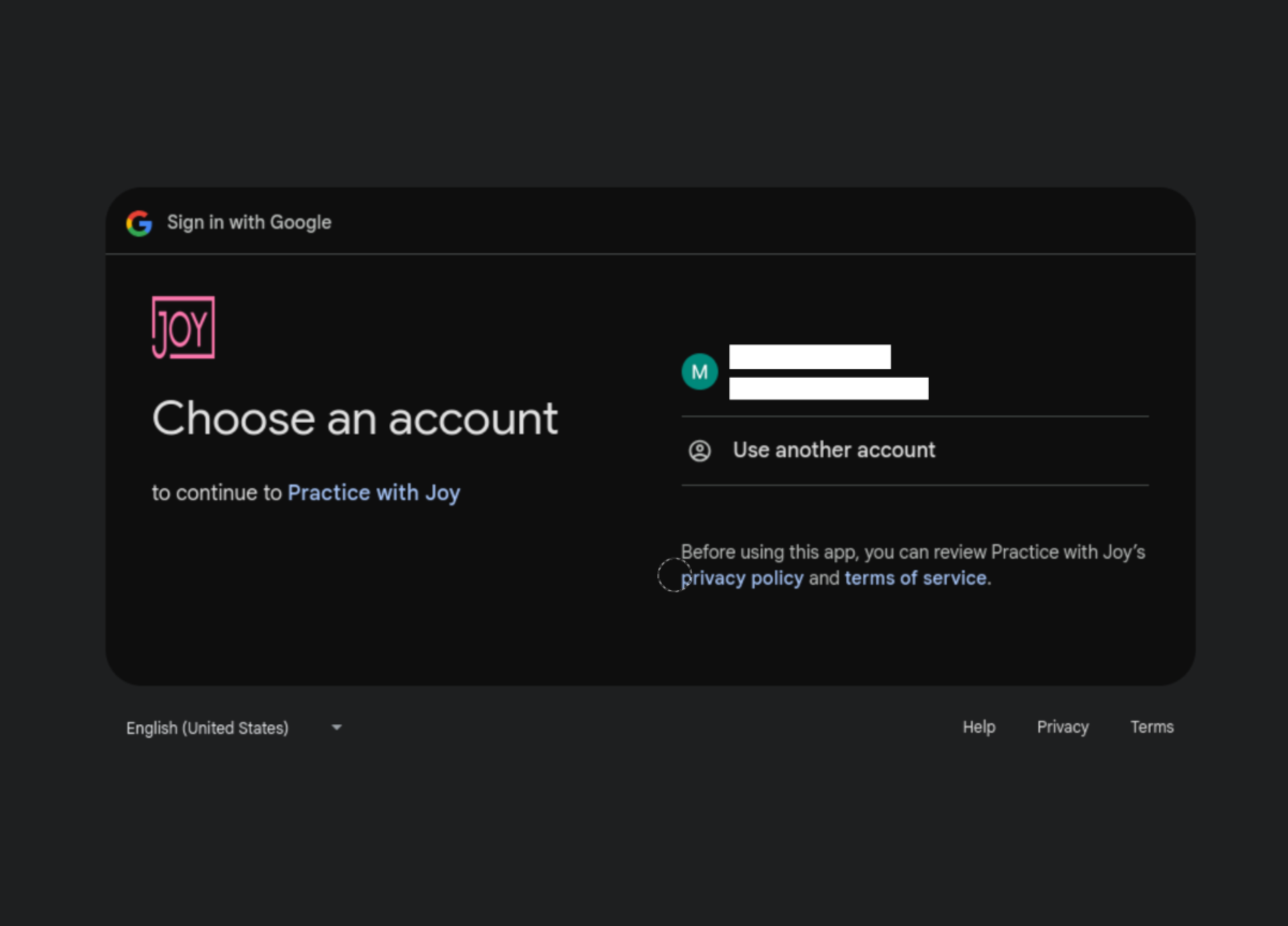
Next you will see all the Google accounts connected to your device. If there is more than one account, make sure to select the one that will be used with your practice.
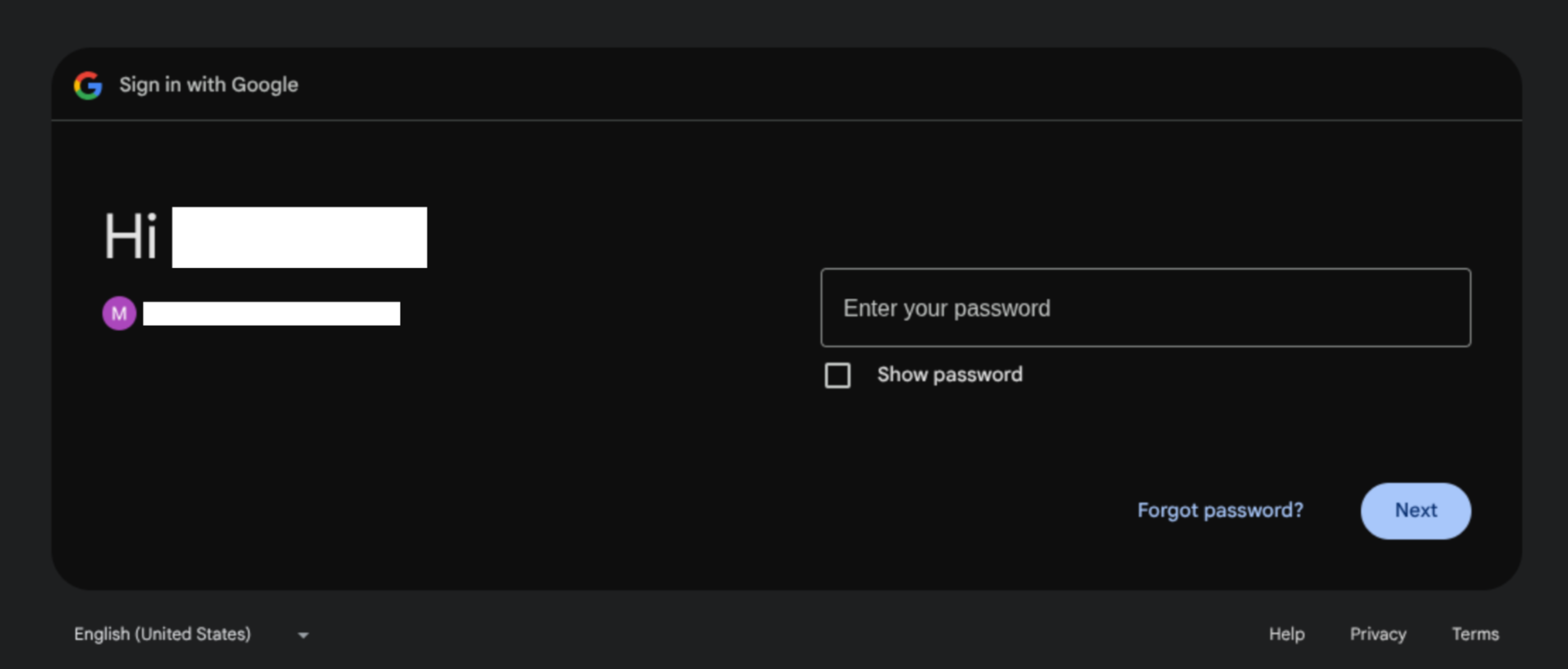
Note: Google may ask you to enter your password for further verification. If so, you will see the screen below next. Simply enter your password to continue.
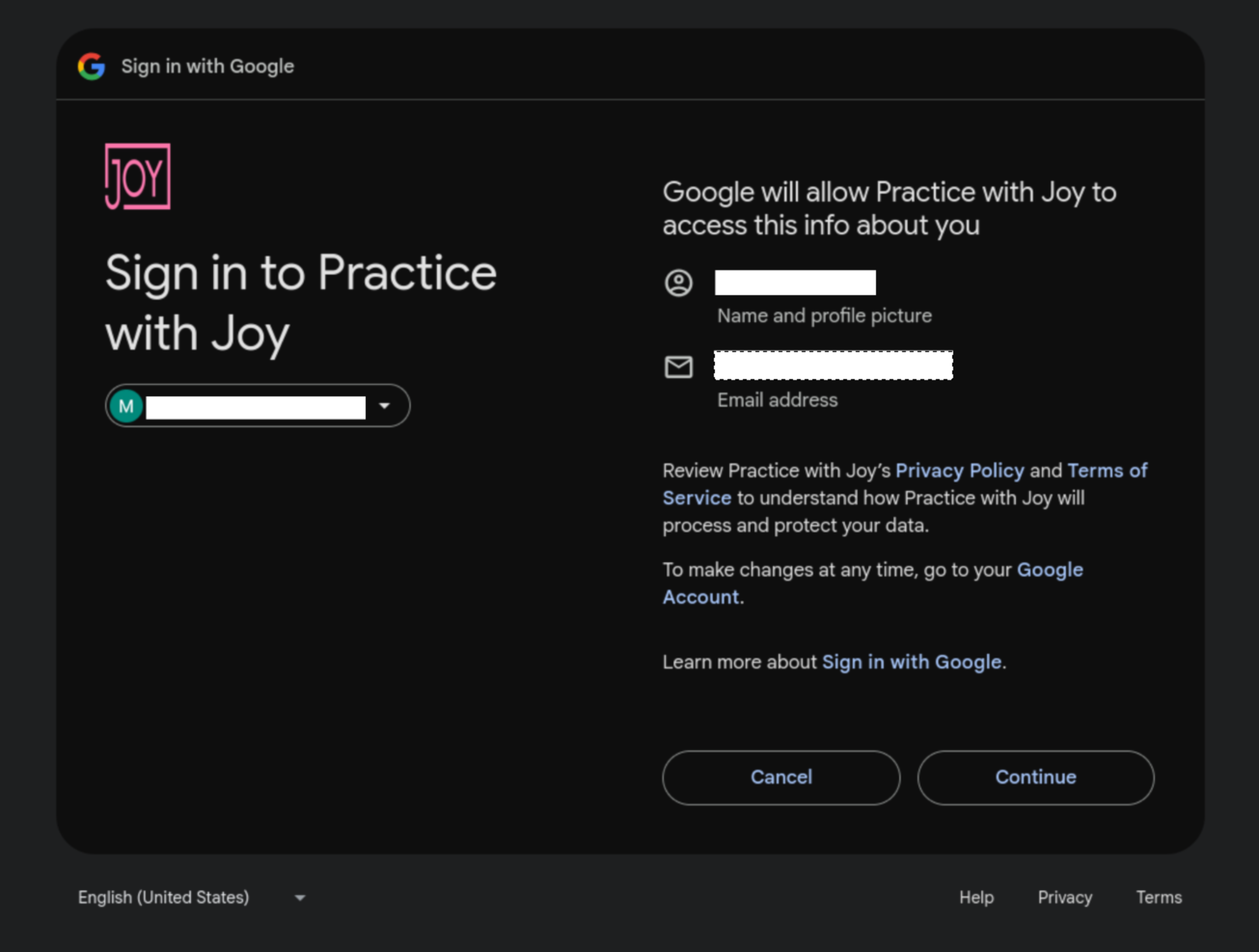
The next screen confirms the email account you have selected, and allows you to review our privacy policy. When you are ready, select "Continue".
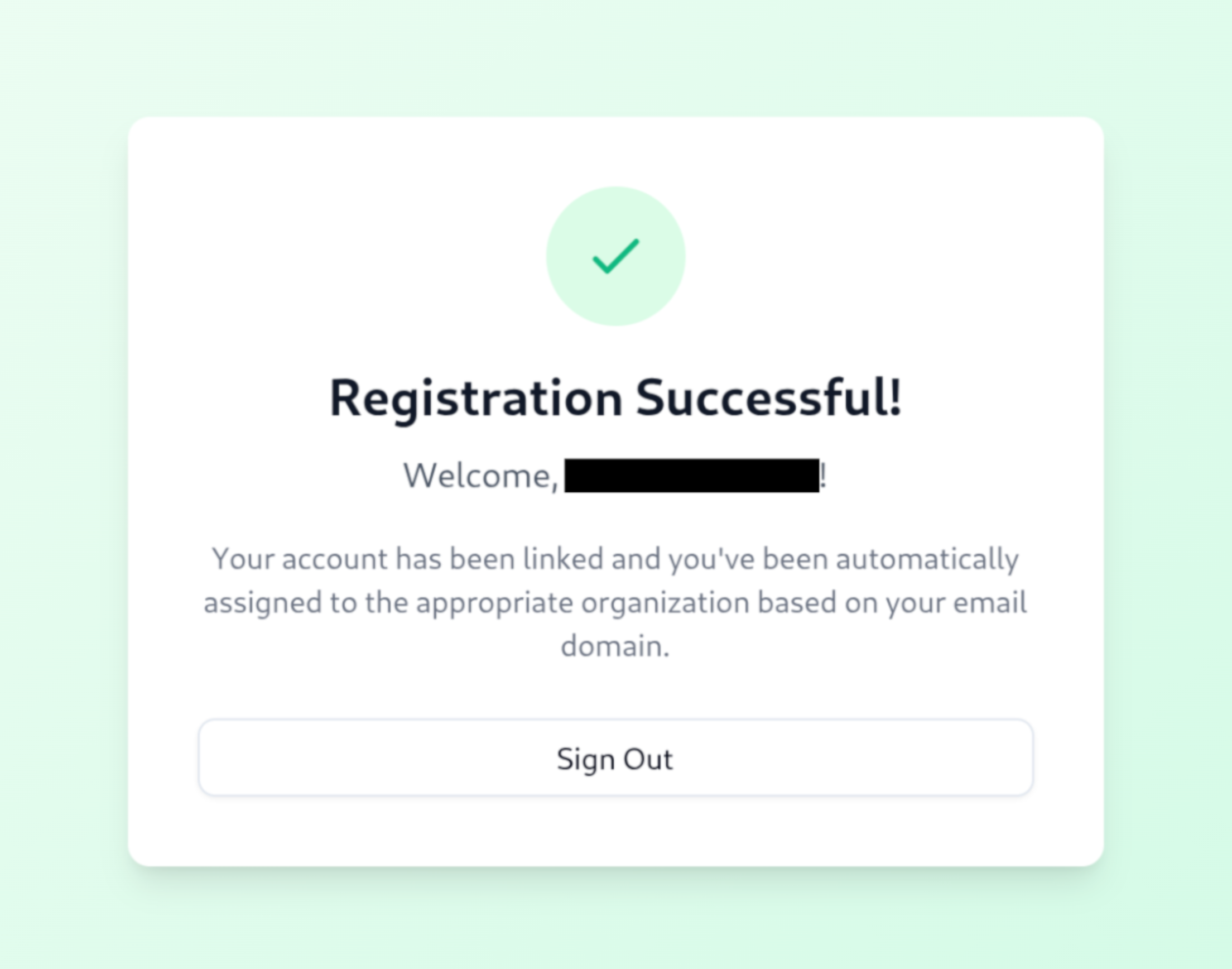
If registration is successful, you will see the following screen confirming your Google account has been connected to Practice with Joy. You may now close this site.
Troubleshooting
Email Not Authorized
If you go through the registration steps above, but instead see this screen:
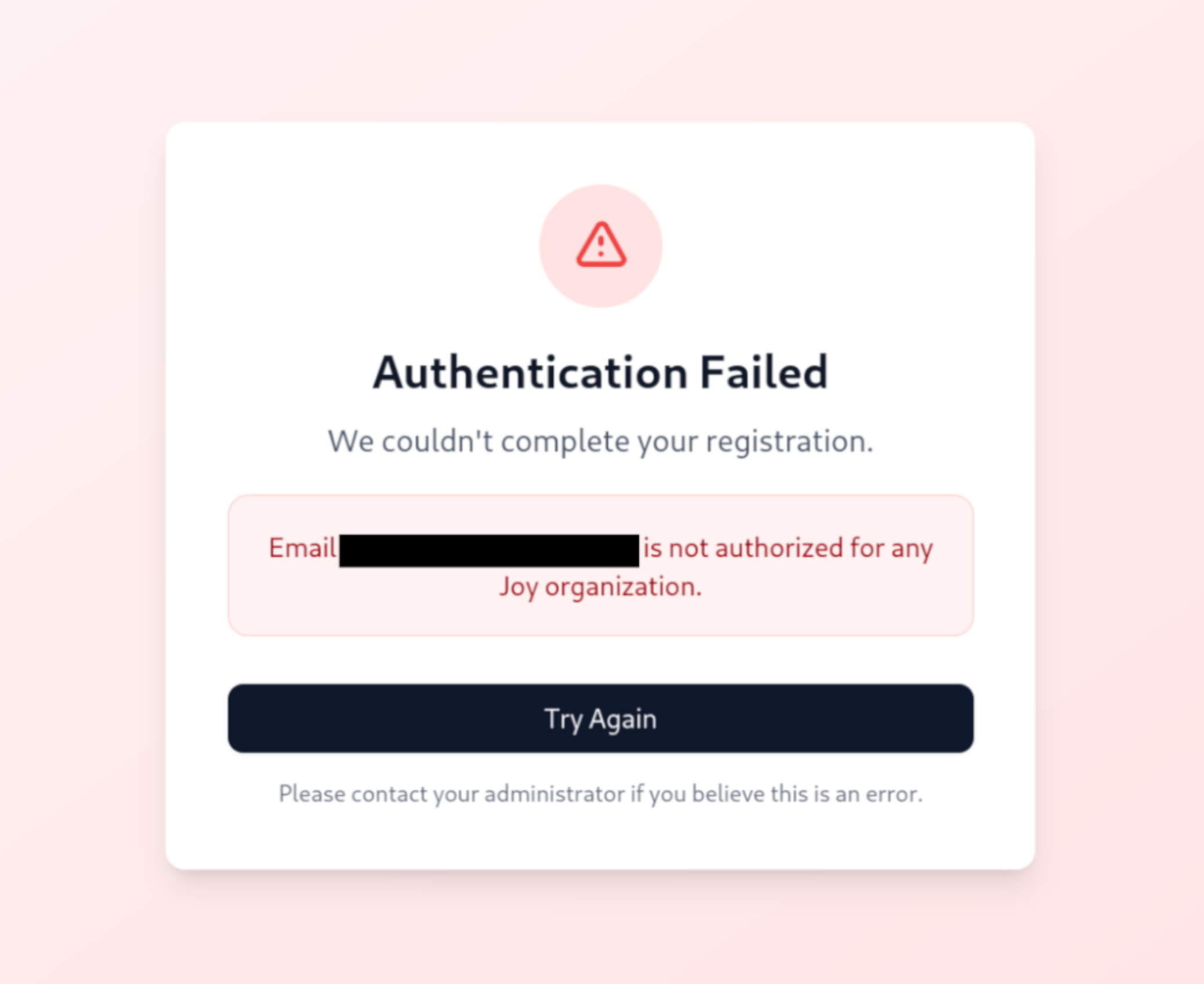
it could mean you selected a personal email that is not authorized for Practice with Joy. Double-check that the correct email was selected. If this does not resolve the issue, reach out to our team and we will ensure that your work email domain is properly registered.