Practice with Joy Enrollment - Microsoft
Last updated: August 1, 2025
The steps below will connect your Microsoft account with Practice with Joy so you can use it to sign in to any Joy applications.
NOTE: The first user to do this must be a Microsoft Admin for your organization who can give admin consent for applications.
Reference: Microsoft Admin Consent
Visit the Practice with Joy Enrollment site - https://enrollment.practicewithjoy.ai
Click "Link Account"

Choose “Continue with Microsoft (Work Account)”
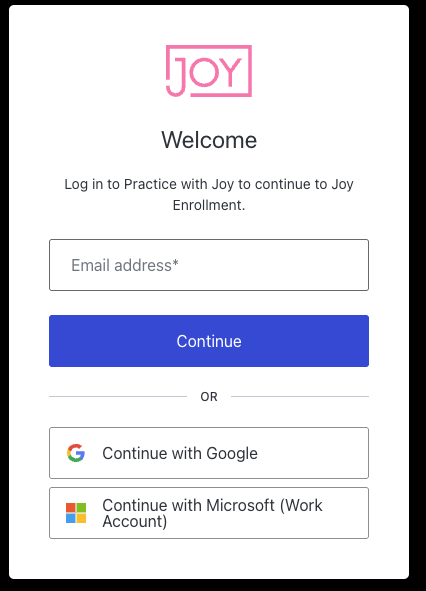
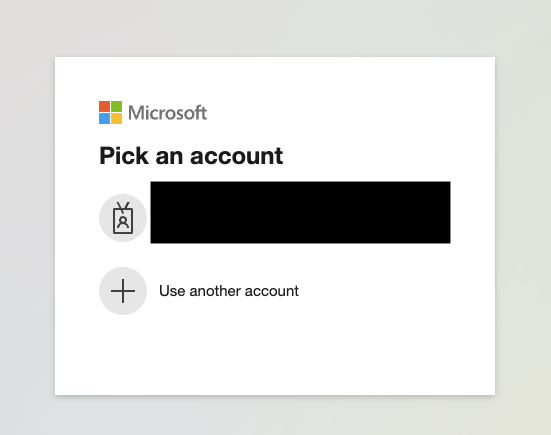
Login with your Microsoft Account (the first user enrolling must be a Microsoft Admin able to provide Admin Consent)
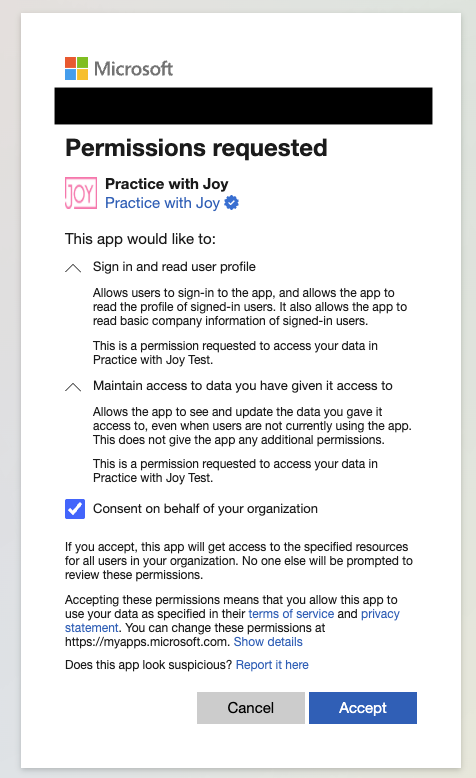
Check the box for “Consent on behalf of your organization” and click Accept
NOTE: If you don’t see the “Consent on behalf of your organization” option, or if you receive an error stating that an admin must grant permissions, please contact your Microsoft tenant administrator to complete this step first.
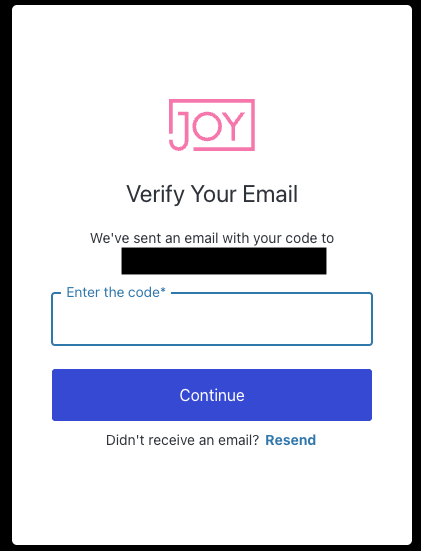
Verify your email address by providing the required code
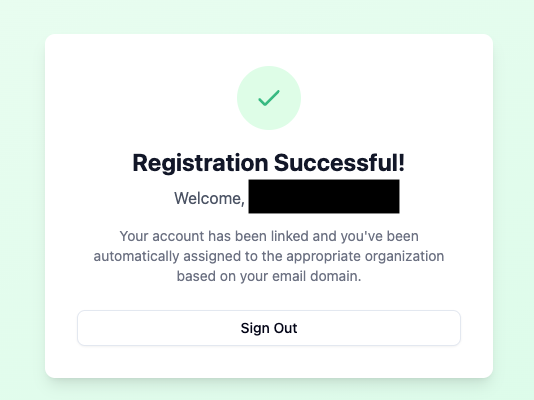
Registration is complete - you have now connected your Microsoft Account to your Practice with Joy Account